Posted
Hi.
This report is for Synfire Pro 3.0.5 and HALion 7 .1.40.846 (VST3) (and Windows 11)
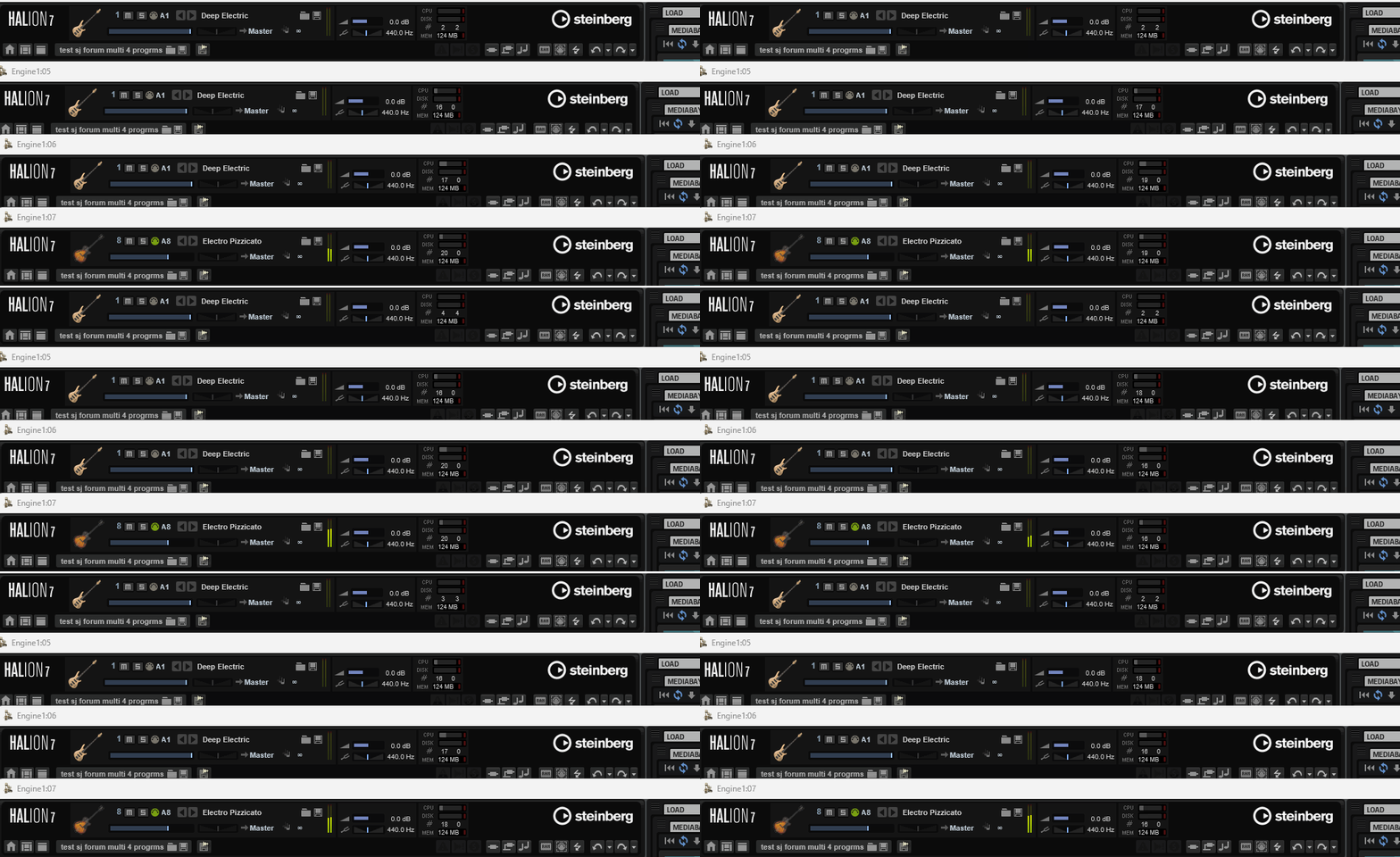
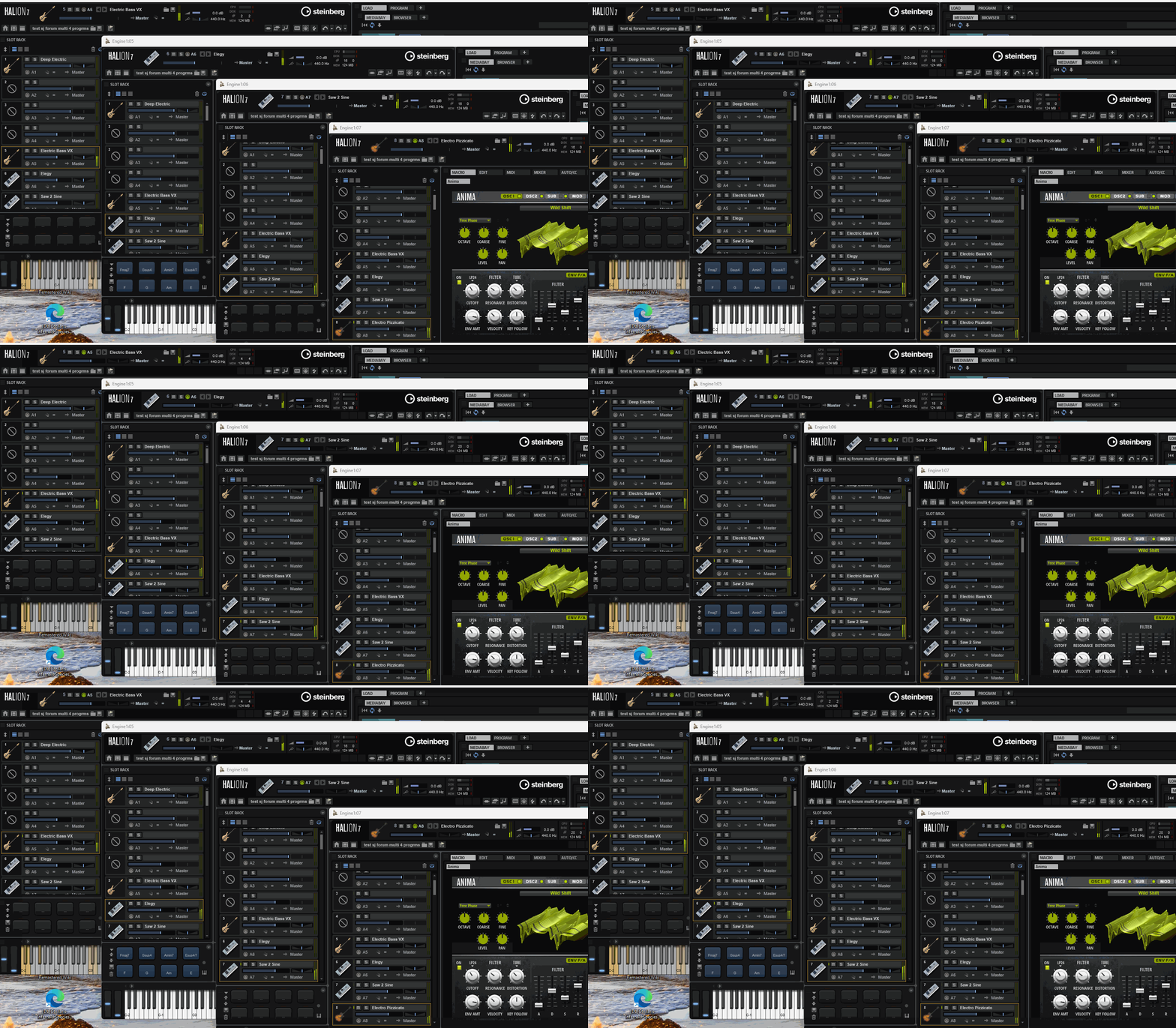
I observe that HALion loads, opens, and seem to operate correctly wrt. the UI.
However, the sound is terrible. Scratches, crackling, etc.
Other samplers I'm using (Sampletank 4, Kontakt 8) have not been showing me such a problem.
Can anyone else comment on their recent experience with HALion 7 and Synfire (good or bad)?
Or, if someone recognizes this situation and can offer specific advice, please do.
Thanks!

Tue, 2026-01-13 - 14:01 Permalink
OK, for reference, I attach a test Arrangement loaded with HALion 7 and a HALion 7 preset.
(Remove the ".txt" from the file name to create the .vstpreset file that should load in HALion.)
As it happens today (now in v3.0.6), stripped down like this anyway, the sound seems OK.
So, if there is no fundamental problem between Synfire and HALion 7, that's great. Time will tell.
I'm still interested if others do or do not experience a problem, and I will aim to report back if I do.

Wed, 2026-01-14 - 12:48 Permalink
Well, it's an interesting question about why the preset isn't working for you. Can you not find it inside HALion, even though you know where it is on disk? Does it report an error when you try to load it? Does it seem to load, but come up empty? etc. IOW, what do you see?
In any case, it's just a preset. If you are interested enough to pursue this any further, just start with empty HALion and add whatever samples/instruments you like to match up with the instruments in the project, then do some playback and see if the sound is OK for you.
Wed, 2026-01-14 - 13:02 Permalink
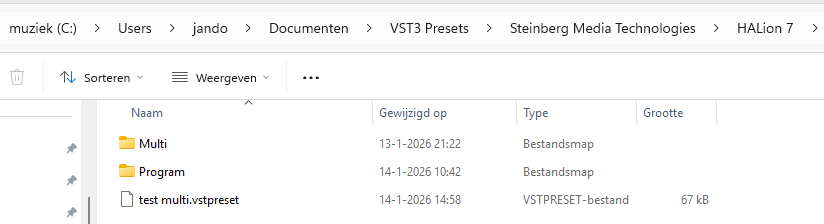
It appears that Halion 7 standalone does not recognise the multi vstpreset, and there is nothing to be seen in Halion 7.
Assume that the multi is in the correct folder.
Indeed, I can load the presets, but if you give me the names of the presets slots, I can load them into the slots and also create a multi from them as a test and also do the sound test.
Wed, 2026-01-14 - 14:35 Permalink
What I've setup uses the HALion 7 VST3 plugin. It's in the Arr Rack of the project, and the instruments in the project all point at it. If you are going to use HALion 7 standalone then the files I've supplied won't be of much assistance, other than making a few test Figures available to drive the playback.

Wed, 2026-01-14 - 15:43 Permalink
My HALion setup at the moment is just 4 instruments, on channels 5-8, like this
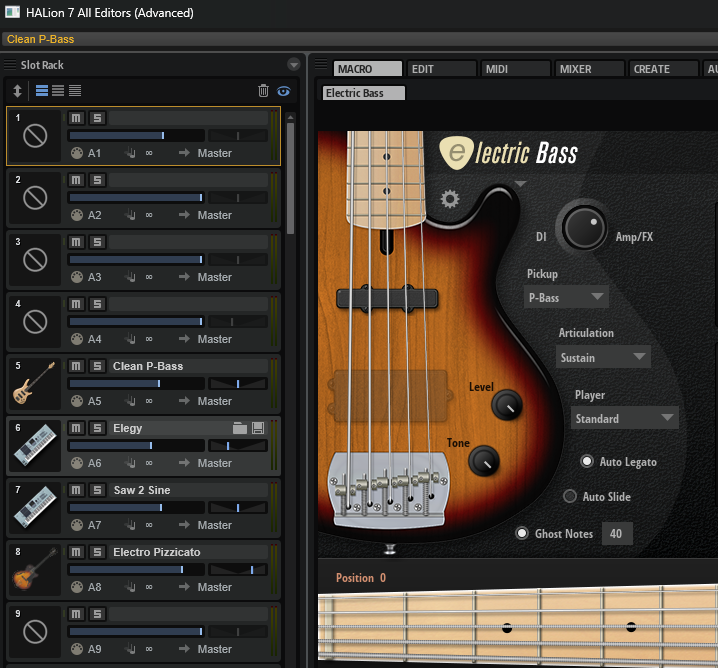
(The drums, which are on ch 4, are not using HALion)
So, if you want to drive HALion from my demo project file, just setup those 4 instruments and it should operate.
Whether I add the drums to HALion or not, my goal is to verify reliability and good sound and then start creating and accumulating HALion presets which will represent sets of instruments/sounds that I like together for the kind of music I'm making.
I have several other multi- capable plugins and/or external hardwares, but I would love to add HALion to the set because it has an extensive and well-organized library with some really good sounding patches and virtual instruments in it.
Wed, 2026-01-14 - 19:36 Permalink
i cannot find the Clean P-Bass, probably a extra soundbank bought ?
Yes, I just checked and Clean P-Bass is part of Steinberg Electric Bass
( https://www.steinberg.net/vst-instruments/electric-bass/ )
which is part of Absolute 6, which I purchased along the way.
So, strictly speaking you can't duplicate my setup without it, but just choose any ole Bass patch and fly from there.