

Posted
While installing Synfire Pro 3.0.6 i get an error concerning Audio Engine.
Do i need to uninstall Synfire and reinstall ?

Mon, 2026-01-12 - 08:00 Permalink
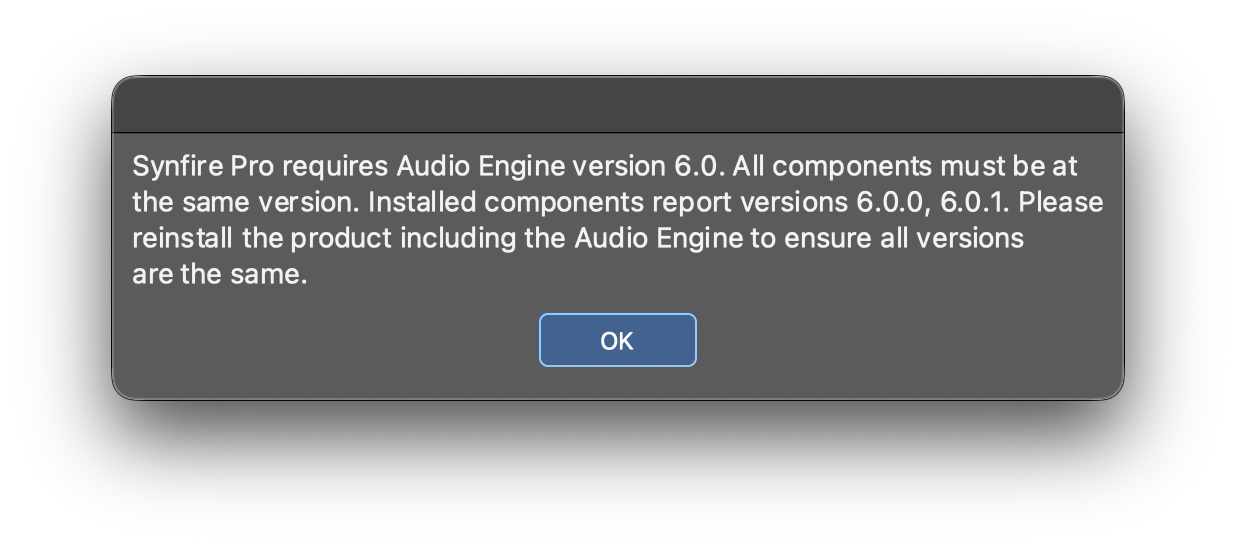
I got that error at first launch of Synfire Pro after installing 3.0.6 version.
I enclose the error message.
Synfire Pro requires Audio Engine version 6.0. All components must be at the same version. Installed components report versions 6.0.0, 6.0.1. Please reinstall the product including the Audio Engine to ensure all versions are the same.

Mon, 2026-01-12 - 11:43 Permalink
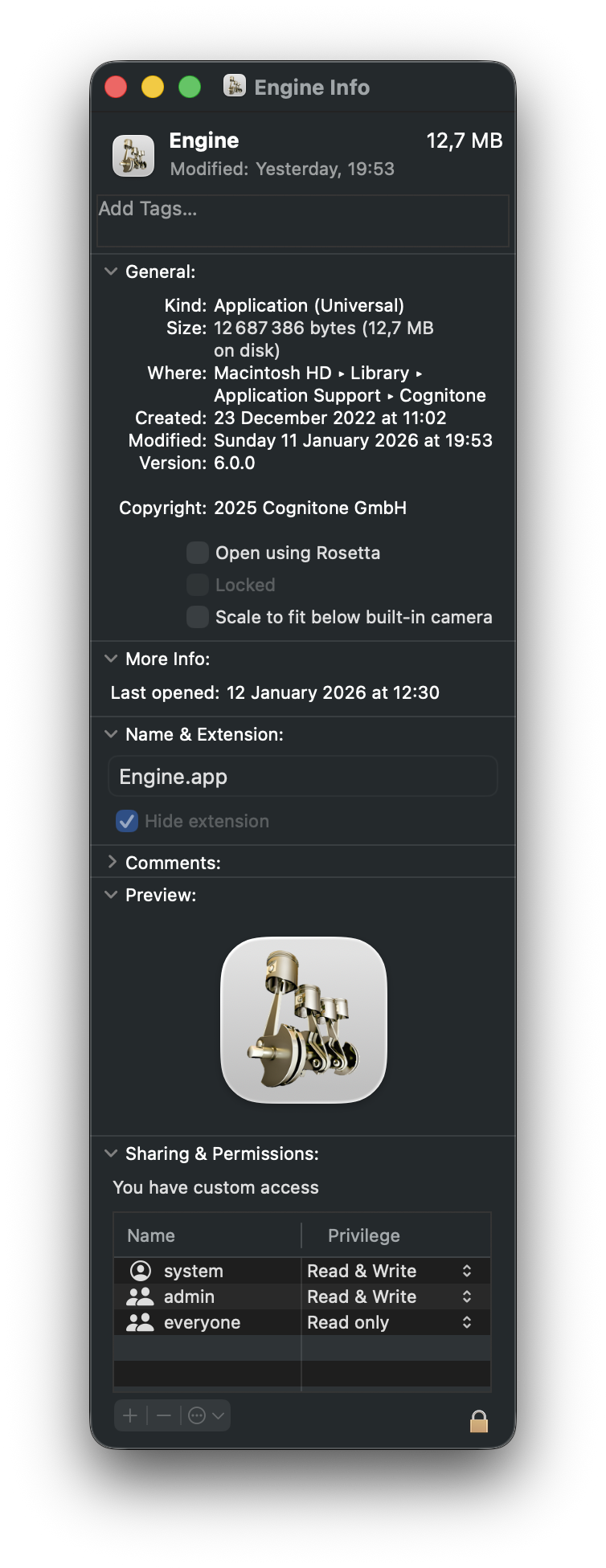
You can dismiss the message and work as usual. What version does the engine have? It seems like it wasn't updated to 6.0.1
Mon, 2026-01-12 - 12:37 Permalink
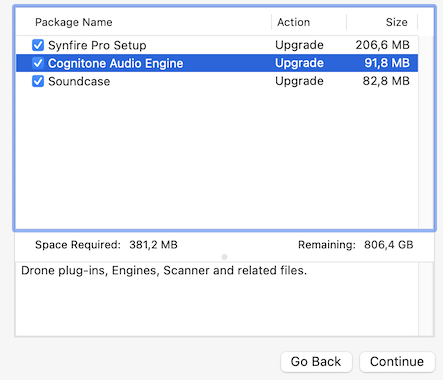
Yes i installed all components while installing Synfire Pro 3.0.6 Build 1.
I have the same error each time i launch Synfire.
How may i check the version of the Audio Engine, and install the good version if necessary ?

Mon, 2026-01-12 - 13:41 Permalink
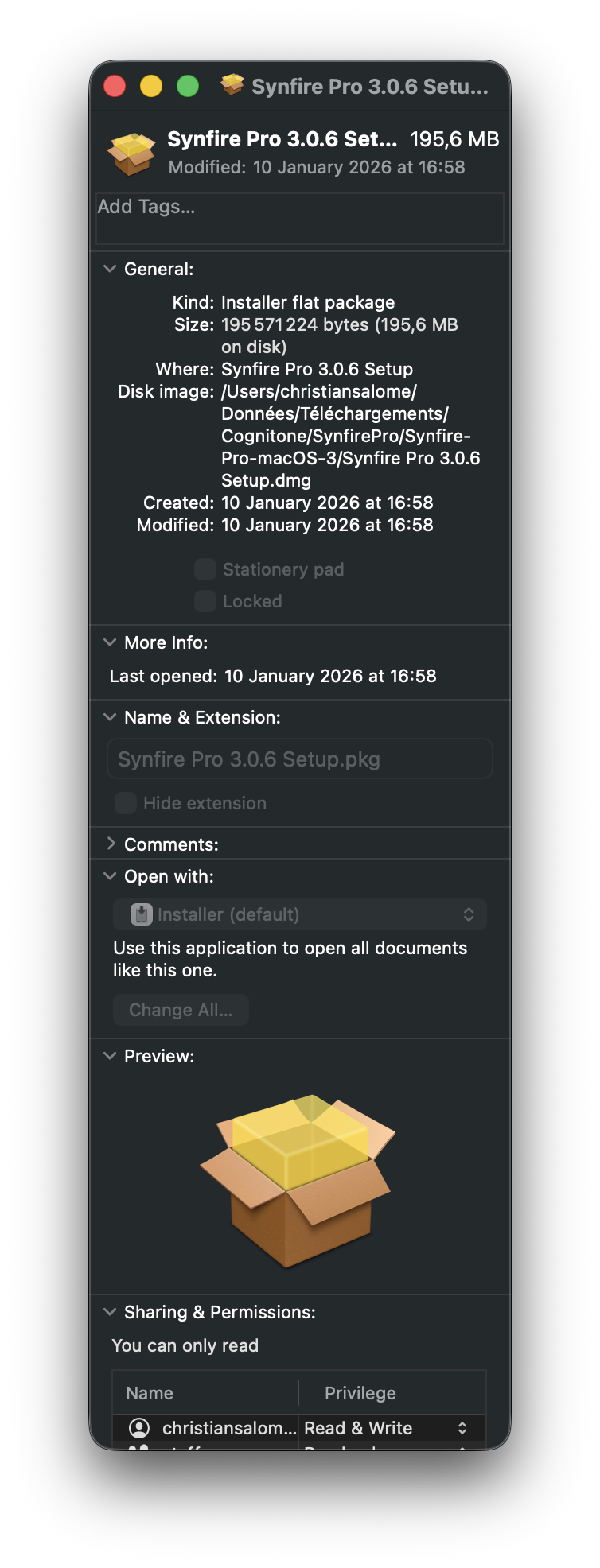
I have just reinstalled the audio engine (single selected) and it does not work.
I have not made a new download but used the same installation package.
Mon, 2026-01-12 - 13:53 Permalink
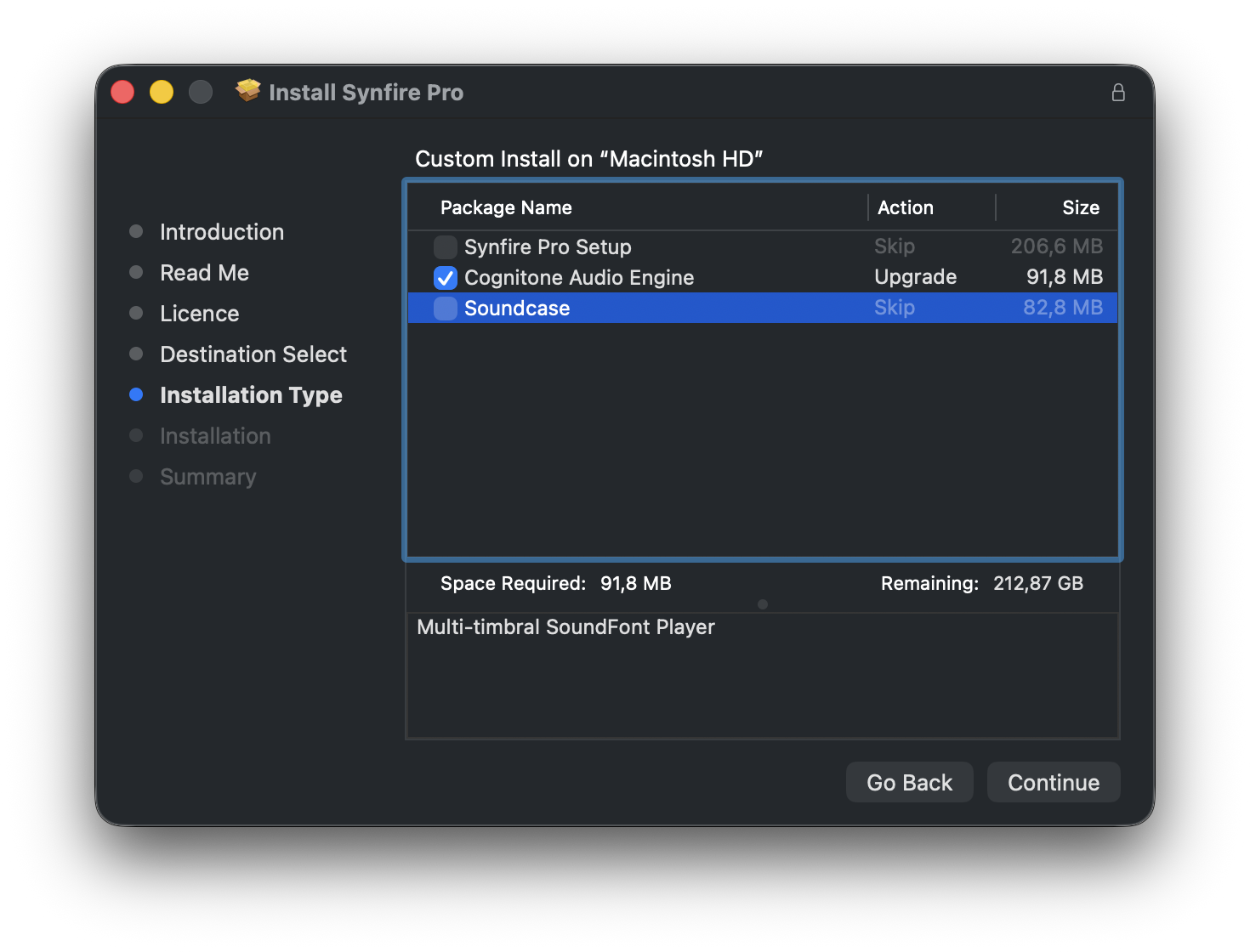
I have made a new test after stopping iLok.
The installation seems OK.
Mon, 2026-01-12 - 15:51 Permalink
But it is not, the installed audio engine is again the old.
Do you think i should delete the old before reinstalling ?
Mon, 2026-01-12 - 16:16 Permalink
No i have not Revo cleaner.
I have CleanmyMac but its uninstall function does not know Engine but Synfire.
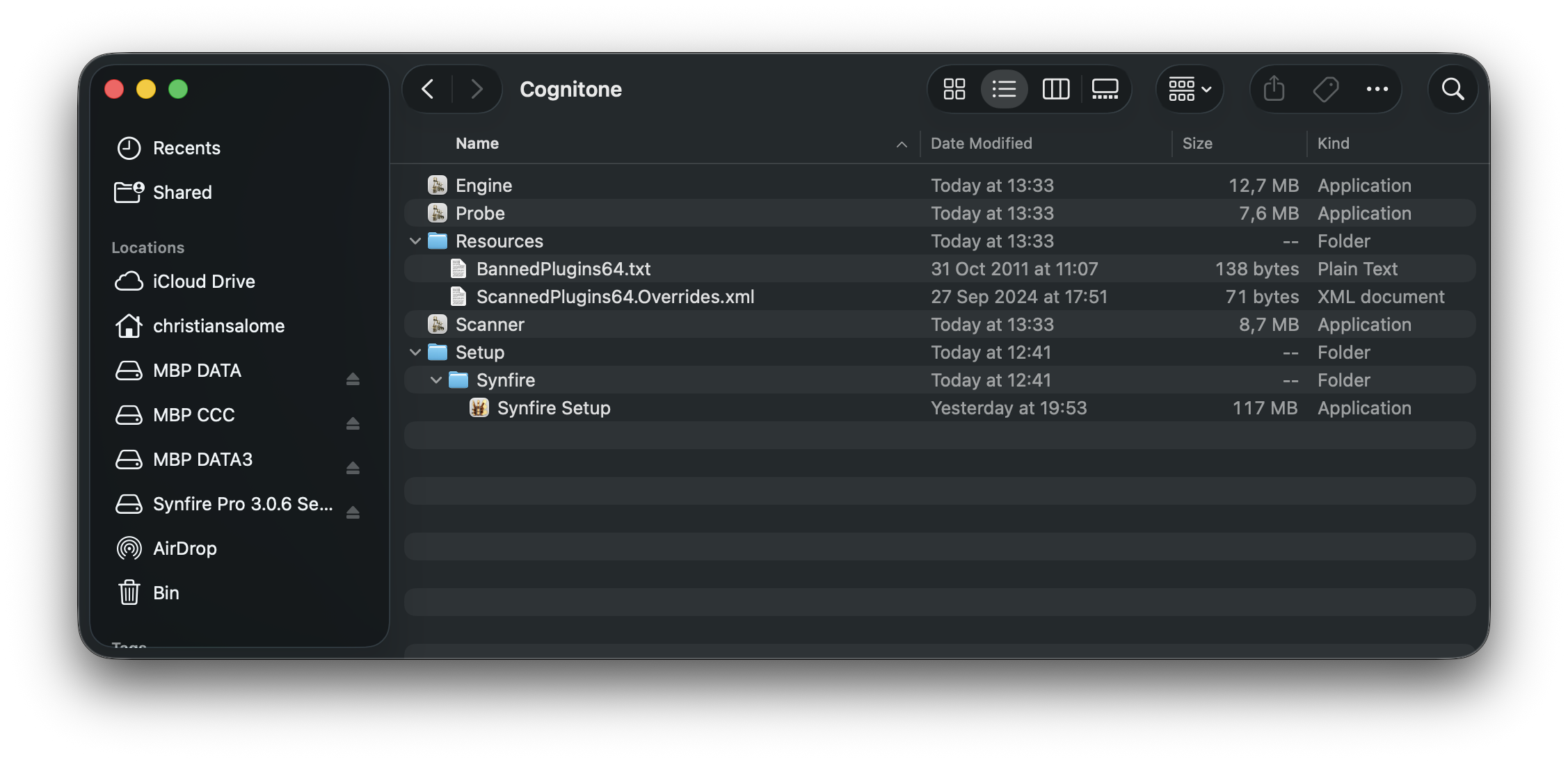
I can delete 'Engine' in Application Support/Cognitone.
Mon, 2026-01-12 - 17:02 Permalink
You should not use any cleaner apps. They only cause more problems
Mon, 2026-01-12 - 17:04 Permalink
I can delete 'Engine' in Application Support/Cognitone.
You can do that as a test but it does not uninstall the drones and other components. Also delete Scanner and Probe apps.
Mon, 2026-01-12 - 17:30 Permalink
I have made the following test :
- Delete Engine, Scanner, Probe
- New installation of Synfire & Engine
Installation works but i get the same problem when i launch Synfire.
Scanner and Probe have been installed.
The old version of Engine has been reinstalled.
So it seems that the installation package of version 3.0.6 contains the old version of Engine.
Mon, 2026-01-12 - 19:57 Permalink
The old engine was accidentally packaged with the macOS installer. Sorry for the hassle.
The download has been updated now.
The release number has not changed. Please delete your current download from your disk (to avoid confusion) and download and install the updated package.