

Posted
Hi.
I think it would be helpful if we could save and load Pane Sets (screen layouts, sheets, whatever you want to call them).
So, for example, if a user finds a particular pane set, such as this:
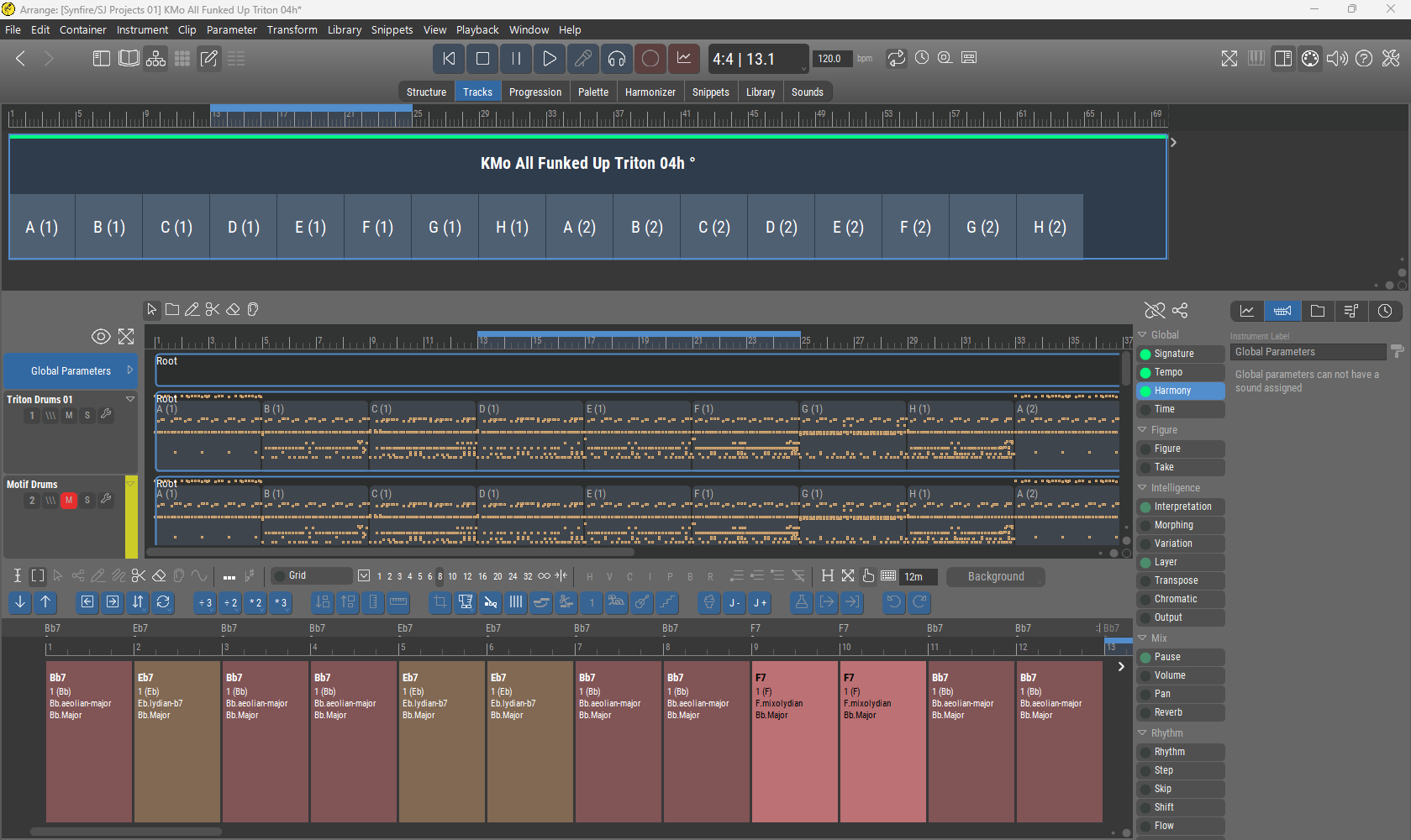
to be an often useful view that they frequently want to return to then they could name it, save it, and reload it at will.

Fri, 2025-12-12 - 17:59 Permalink
Good point. We are certainly moving in that direction.
Currently the main tabs ("Pages") can be assigned a keyboard shortcut. You do very different things on each page. Hence their distinct layouts and constraints. It is not yet possible for all views to coexist in any combination (they hand over control and selection state to each other in specific ways that depend on the page's purpose).
The toolbar buttons are for optional/additional/temporary views within these pages. Each page remembers its layout.
Some combinations of views simply don't make sense. For example, a full-featured Structure view on the Snippets page (it is more or less read-only now, merely there for drag & drop). You probably should not edit the container structure on the Harmonizer, Palette pages either (not enough space).
During development of 3.0, we has optional views available on almost every page. That was extremely confusing because after a while of you forgot which page you are on, what you selected last, etc. They all looked very similar. If even the developers get lost in a maze, something is really off ;-) So we ditched this and limited the optional views to what makes sense on each page.
The non-linear structure of arrangements makes this a very complex UI. We will improve it incrementally.
Fri, 2025-12-12 - 19:38 Permalink
Currently the main tabs ("Pages") can be assigned a keyboard shortcut. You do very different things on each page. Hence their distinct layouts and constraints. ...
The toolbar buttons are for optional/additional/temporary views within these pages. Each page remembers its layout.
Great explanation, thanks!