
Problem
Palette, progressions and phrases don't generate sound anymore when they are clicked. MIDI input from an external keyboard is not forwarded to the current instrument, especially during recording.
Cause
For live playback of chords on palettes, progressions and phrases, Synfire uses six global instruments that are expected to be always available regardless how many arrangements you have currently open. It is the job of the Global Rack to provide sounds for these instruments. So if that rack somehow got messed up, you might experience the "no sound" situation.
Solution
The easiest way to fix this is to restore a clean factory preset rack:
- Open Audio/MIDI Setup from the main menu
- In that window do File >> New
- File >> Save
That creates and new default global rack and resets all global instruments.
Check Control Ports
On the Inputs tab, please check whether your external MIDI keyboard is flagged as "Control" input. Such a port is exclusively used for remote control. Input received from that port is not forwarded to the instruments.
Background
A healthy global rack looks like this, with indicators for all instruments showing up green. If you see orange or red, you can also try the Reset to Defaults popup menu and select a device that is capable of providing the global instruments.
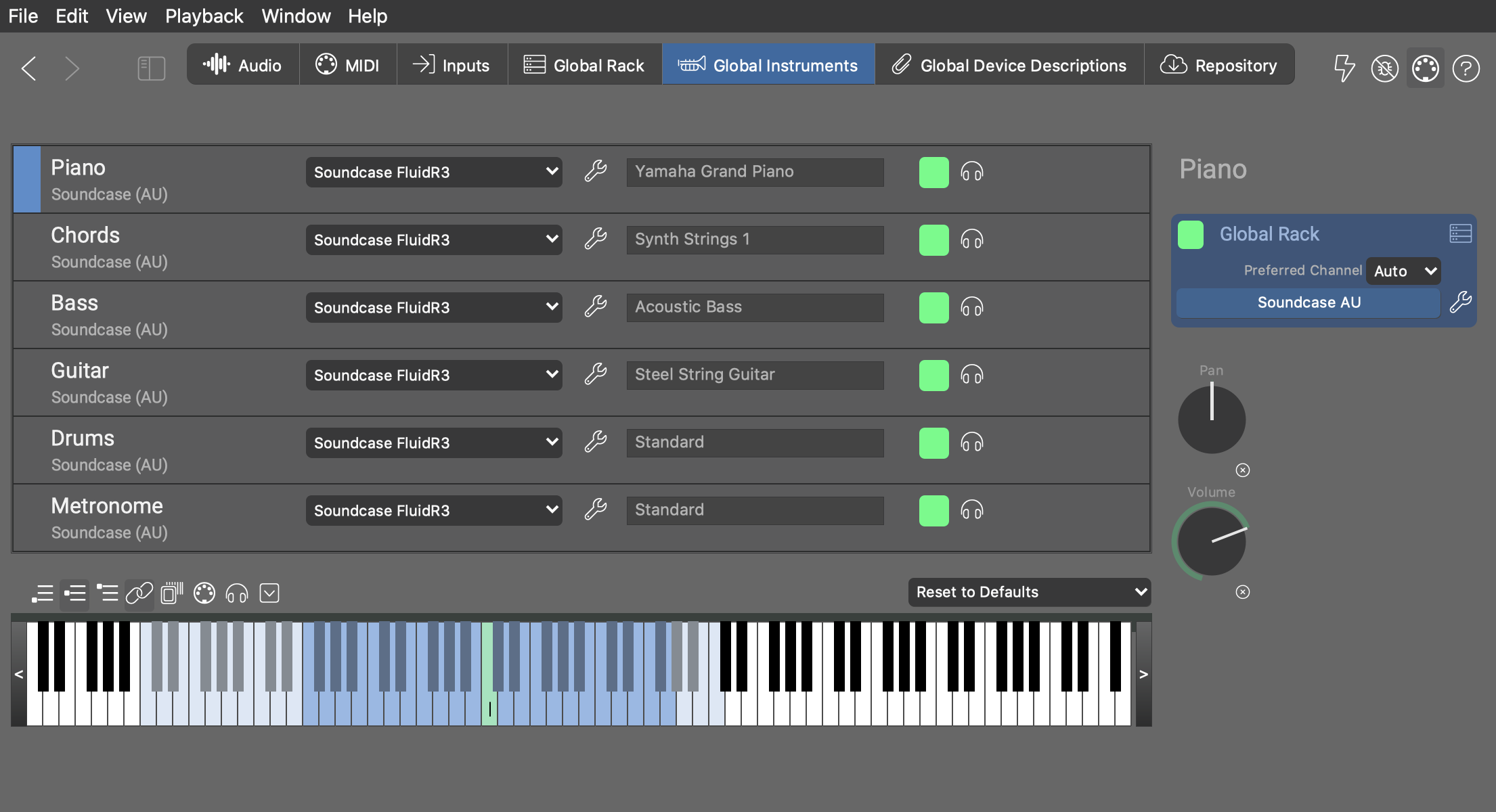
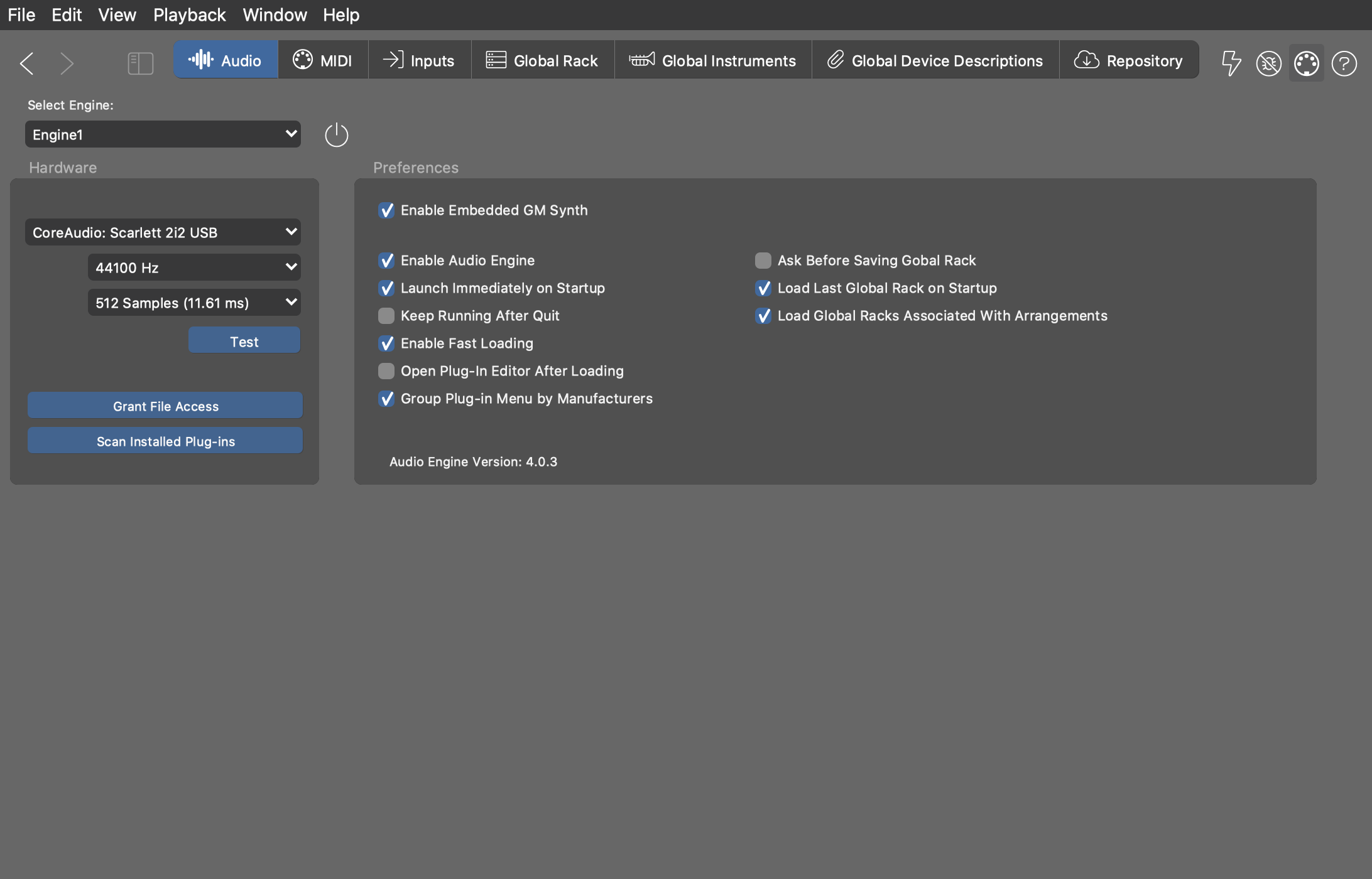
A new default rack uses the AudioUnits/VST/VST3 plug-in (Soundcase) to host the global instruments. For this you need to have the Audio Engine enabled.
Where possible you should disable the Embedded GM Synth. This reduces the number of applications sending audio at the same time from 2 to 2: Your DAW and the Audio Engine. If the embedded synth is enabled, Synfire will host the embedded synth locally as a third application.
Unable to Play